
Alarm Monitoring
Know what needs attention right now, and what happened before.
from$29/ month
- Alarm engine with priorities and delays
- Acknowledgement with user audit
- Repeat-until-ACK reminders
- Local alarm history and export
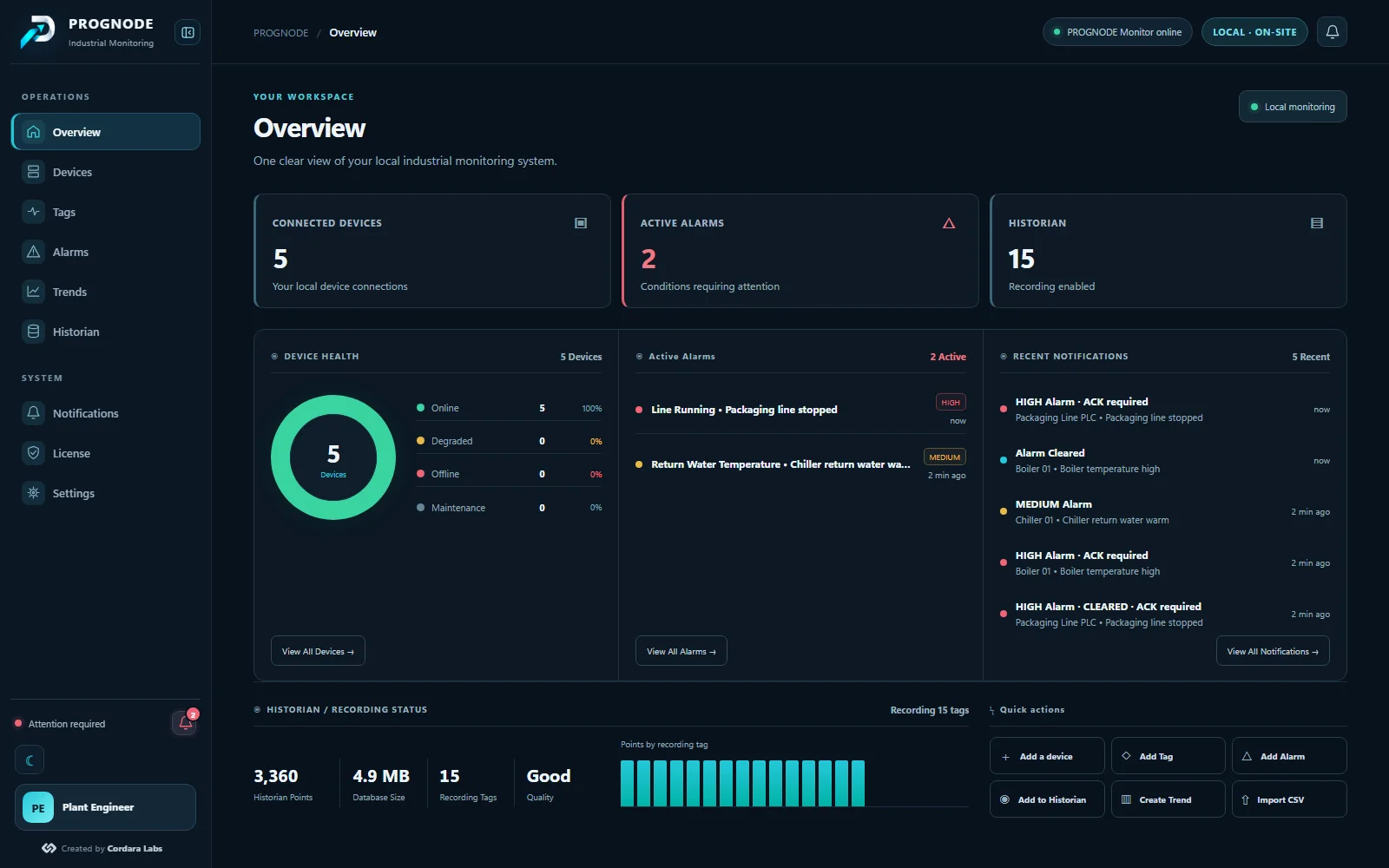
PROGNODE Monitor runs on a Windows PC at your site, connects to your industrial devices and turns their signals into alarms, recorded history and clear trends, alongside your existing control system.
Each plan comes in 100, 250 or 500 configured tags. Yearly billing gives two months free.
Know what needs attention right now, and what happened before.
Live events and their history, side by side in one license.
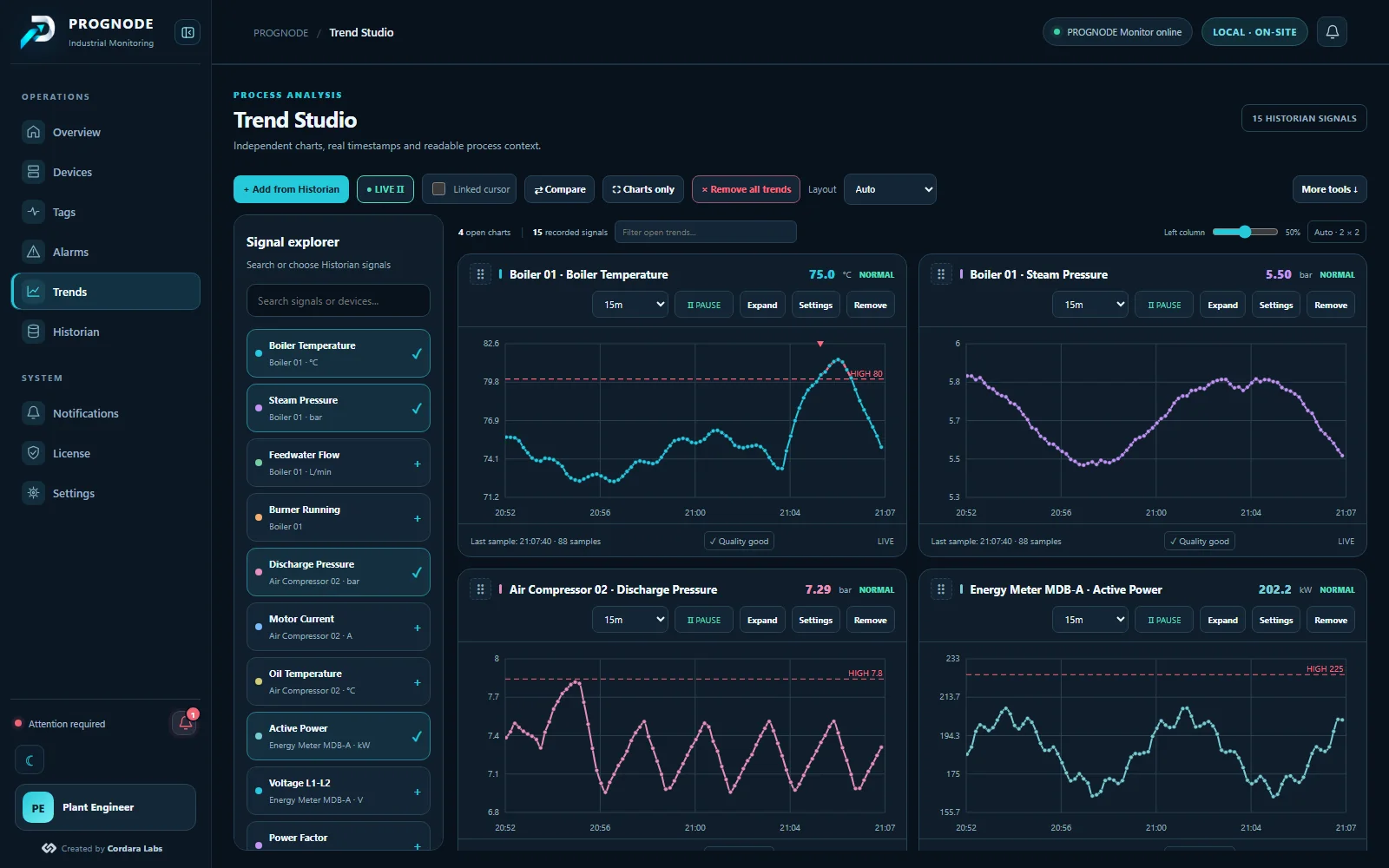
Record process values on site and turn them into clear trends.
Add any device that speaks Modbus TCP or RTU, Siemens S7, EtherNet/IP (Allen-Bradley), Mitsubishi MC, Omron FINS, BACnet/IP, OPC UA or MQTT from the PROGNODE Monitor interface. Nothing changes in the device program.
Pick the tags that matter, set alarm limits and decide what the historian records.
Alarms evaluate continuously on the PROGNODE Monitor PC; values are recorded locally with their quality.
Operators acknowledge on the plant network from a browser or the PROGNODE app; with Remote Access, from anywhere.
Put several signals in one workspace, follow alarm events on their timeline and see data quality at a glance. Gaps stay gaps: PROGNODE never invents values between recorded samples.
Connectors are modular, so PROGNODE is not tied to one vendor or device type. Verify your device model before deployment.
Registers, coils and inputs, with data type and word order set per tag.
Meters, drives and controllers on an RS-485 line, through a COM port or USB adapter.
S7 communication over Ethernet: data blocks, inputs, outputs and memory. Note: this is not PROFINET IO.
Allen-Bradley ControlLogix, CompactLogix, GuardLogix and Micro800 tags read by name, including program tags and UDT members.
MELSEC iQ-R, Q, L and iQ-F (FX5) devices over the MC protocol (SLMP, binary).
CS, CJ, CP, NJ and NX controllers over FINS/TCP: DM, CIO, work, holding, EM, timers and counters.
Present values of analog, binary and multi-state objects from building automation controllers on the IP network.
Values from OPC UA servers, with server certificates approved on the PROGNODE Monitor.
Values published by gateways and edge devices through an MQTT broker.
Many gateways expose Modbus TCP, OPC UA or MQTT for other devices. Use the free trial to confirm your model, or contact us.
On the plant network, phones pair with the PROGNODE Monitor for free: live alarms, history and acknowledgement. Add Remote Access and the same phones get push notifications and can acknowledge from anywhere; the PROGNODE Monitor still verifies every acknowledgement.
Monitoring, alarms and the historian keep working without internet. The browser can close; the PROGNODE Monitor keeps running.
Every license is digitally signed and activated to one PROGNODE Monitor PC. Renewals reach an online PROGNODE Monitor automatically.
Phones pair with the PROGNODE Monitor over HTTPS and verify its certificate; a QR code or a short code confirms the pairing.
PROGNODE Cloud handles accounts and licenses. With Remote Access it relays alarm name, severity, state and time, never process values.
PROGNODE is a monitoring product. It does not replace safety instrumented systems, interlocks or emergency shutdown functions. How licensing works →
Create your account, choose a plan and install PROGNODE Monitor on the PC next to your process.